To watch Sky Sports with a VPN:
- Download Swiss VPN free from the App Store — no account needed.
- Open the app and search for Sky Sports in the service selector.
- Tap connect — Swiss VPN picks the fastest optimized server.
- Open Sky Sports and start streaming.
What is Sky Sports?
Sky Sports is the UK and Ireland's leading premium sports broadcaster. It offers live coverage of the Premier League, Formula 1, cricket, golf, boxing, and more across dedicated channels. Sky Sports requires a subscription and is only available in the UK and Ireland.
Why use Swiss VPN for Sky Sports?
Sky Sports does not work outside the UK and Ireland. Swiss VPN routes your connection through a UK server so you can stream live Premier League, F1, and more from anywhere.
Access from abroad
Traveling or living outside the UK? Connect to a UK server and watch Sky Sports as normal.
Encrypted connection
Swiss VPN encrypts your traffic for complete privacy.
Fast for live sports
Optimized servers ensure low-latency live sports streaming.
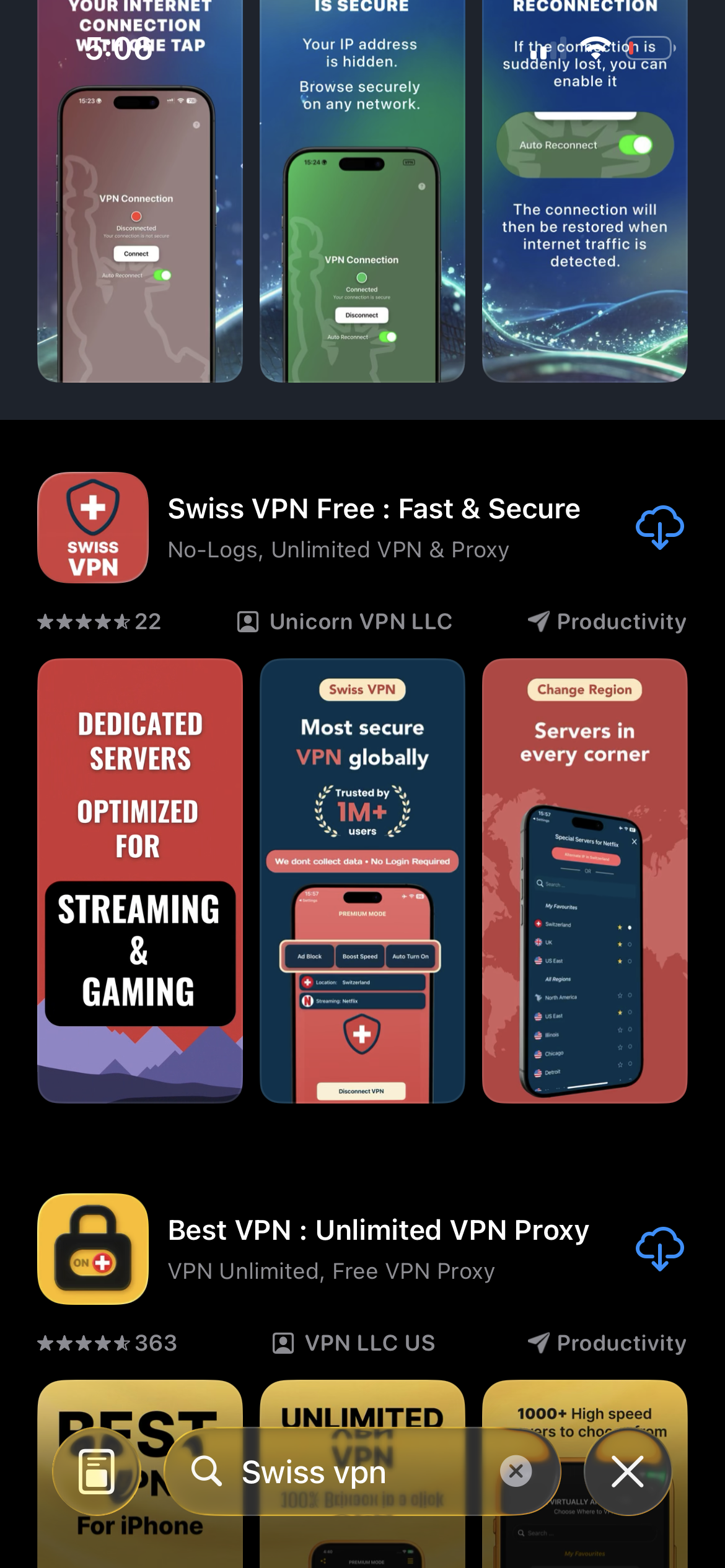
Download Swiss VPN
Search for "Swiss VPN" on the App Store and tap download. The app is completely free — no registration, no credit card, no personal information required.
- Available on iOS, iPadOS & macOS
- No registration required
- 100% free to download
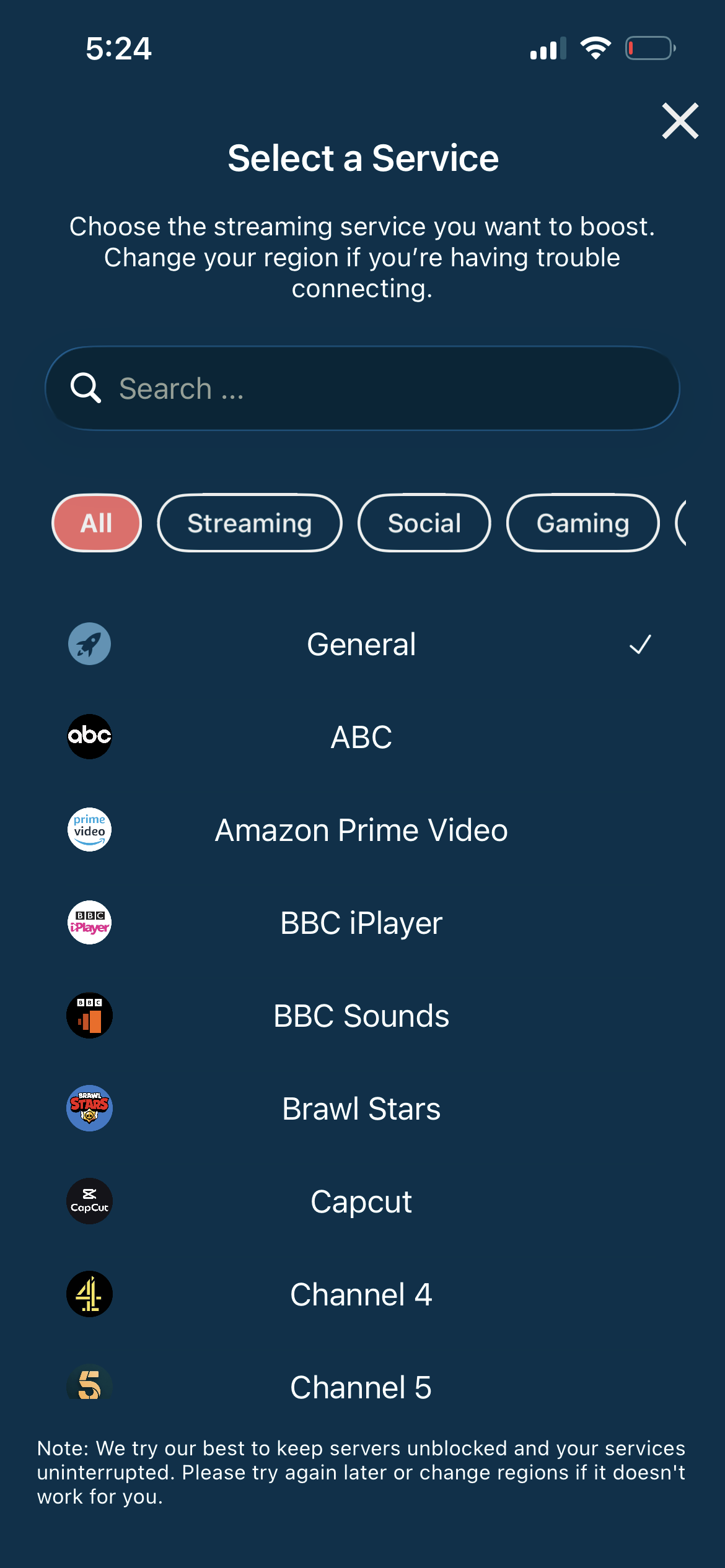
Search for Sky Sports
Open the service selector and search for "Sky Sports" or browse the Streaming category. Tap it and Swiss VPN connects to the best UK server.
- Auto-selects best UK server
- Low-latency connection
- Optimized for live sports
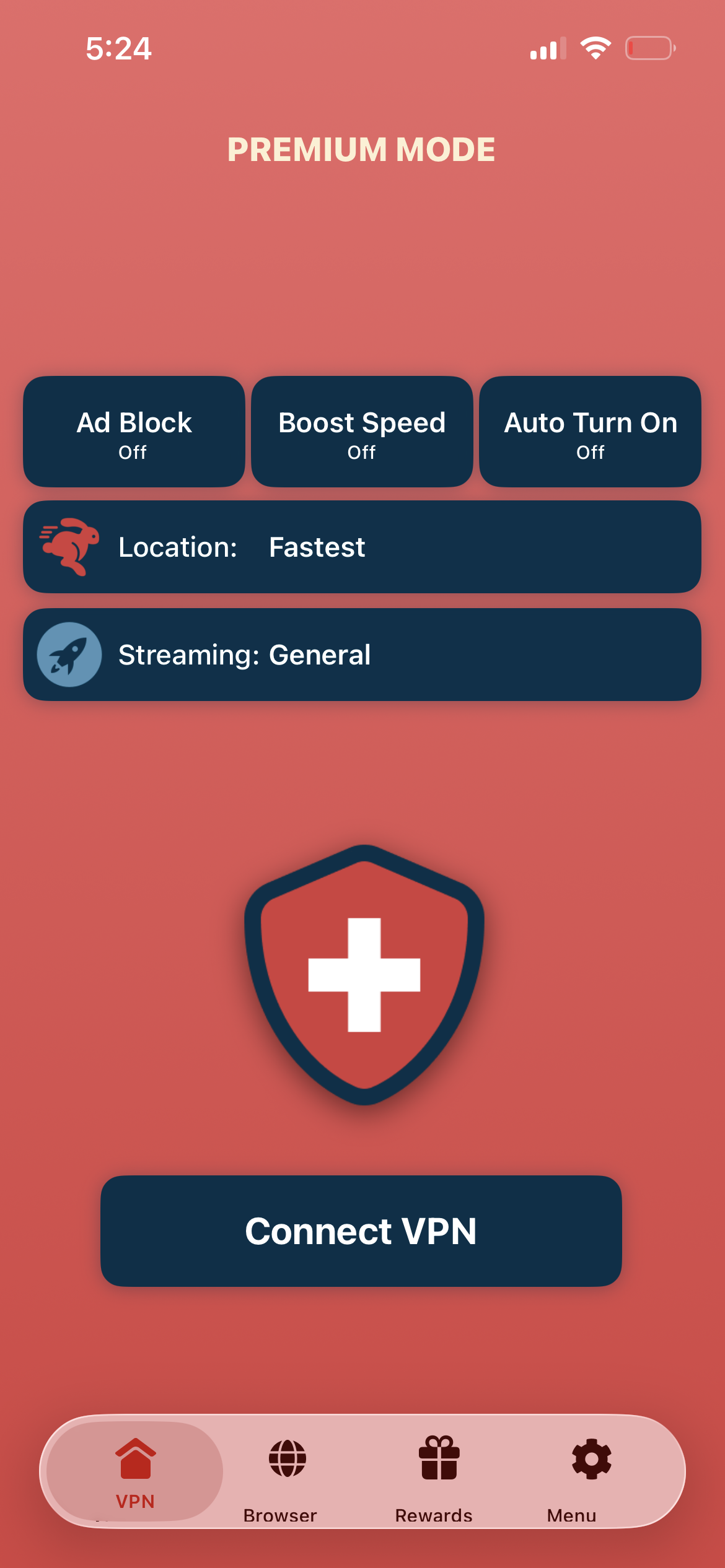
Tap connect, open Sky Sports
Tap "Connect VPN" and wait for the connection. Then open the Sky Sports app — live matches and coverage are now available.
- Instant Sky Sports access
- Encrypted connection
- Live sports without delay
If Sky Sports shows a location error
Disconnect, reconnect to a different UK city, and reopen the Sky Sports app. Clear the app cache if the error persists.
Good to know
- VPN access depends on the service's current policies and may change over time.
- Some content may require a paid subscription to the streaming service itself.
- For the best experience, connect to the nearest recommended server.
Frequently Asked Questions
Is Sky Sports UK-only?
Yes. Sky Sports is available in the UK and Ireland. You need a VPN to access it from abroad.
Which server should I use?
Connect to any UK server. Choose the one nearest to you for the lowest latency.
Can I watch the Premier League?
Yes. Connect to a UK server and stream live Premier League matches on Sky Sports.
Will a VPN cause delay on live sports?
Minimal. Swiss VPN servers are optimized for low-latency live streaming.
Ready to stream Sky Sports?
Download Swiss VPN, connect to a UK server, and start watching Premier League, F1, and more — from anywhere.