To play Roblox with a VPN:
- Download Swiss VPN free from the App Store — no account needed.
- Open the app and search for Roblox in the service selector.
- Tap connect — Swiss VPN picks the fastest optimized server.
- Open Roblox and start playing.
What is Roblox?
Roblox is a massive online gaming platform with 70+ million daily active users and millions of user-created games. It is free to play, cross-platform (PC, mobile, console), and hugely popular with younger gamers. Roblox is frequently blocked on school and work networks.
Why use Swiss VPN for Roblox?
Roblox is one of the most commonly blocked games on school and corporate networks. Swiss VPN bypasses these blocks while also providing DDoS protection and potentially reducing lag.
Bypass network blocks
School or work blocking Roblox? VPN routes around network-level restrictions.
Reduce ping
VPN optimized routing can lower latency to Roblox game servers.
DDoS protection
Your real IP is hidden, protecting you from targeted DDoS attacks.
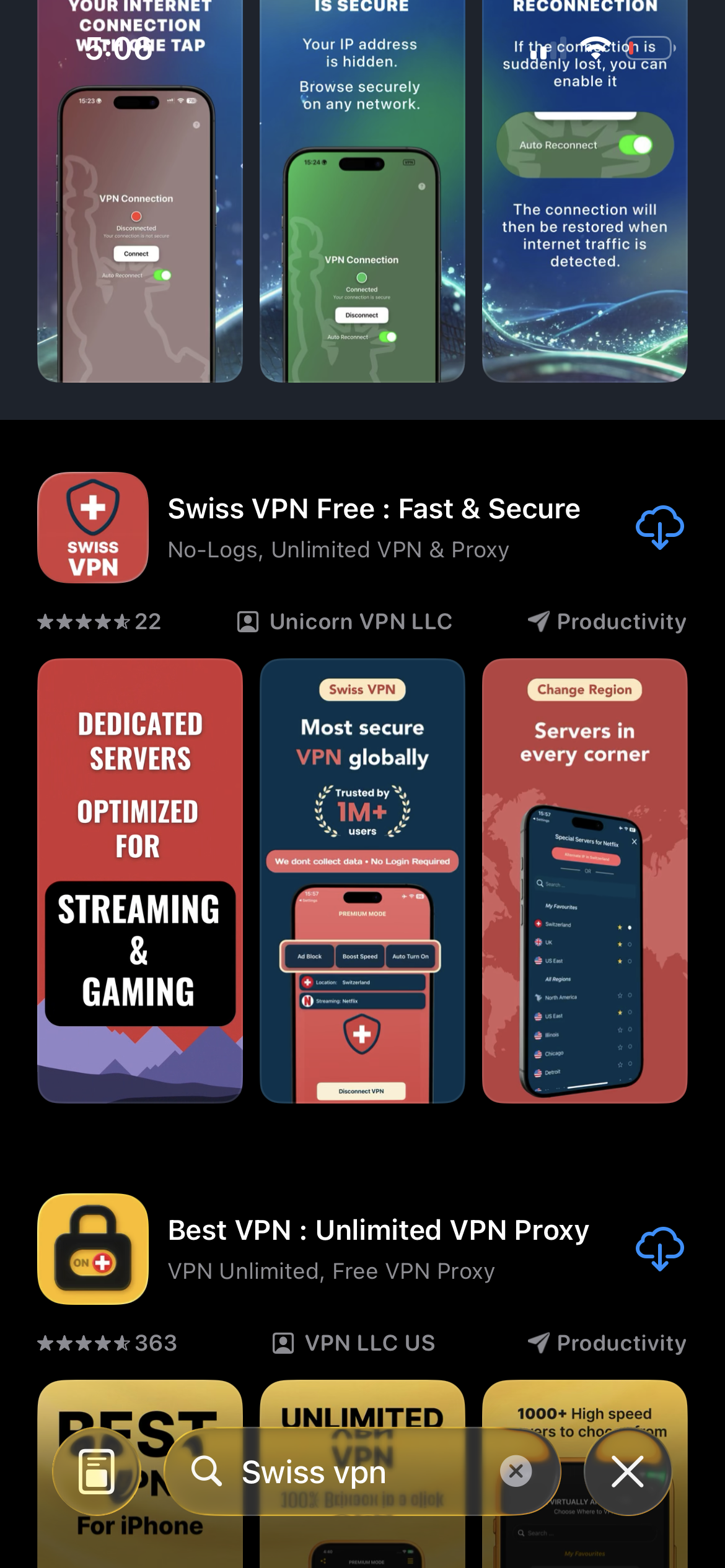
Download Swiss VPN
Search for "Swiss VPN" on the App Store and tap download. The app is completely free — no registration, no credit card, no personal information required.
- Available on iOS, iPadOS & macOS
- No registration required
- 100% free to download
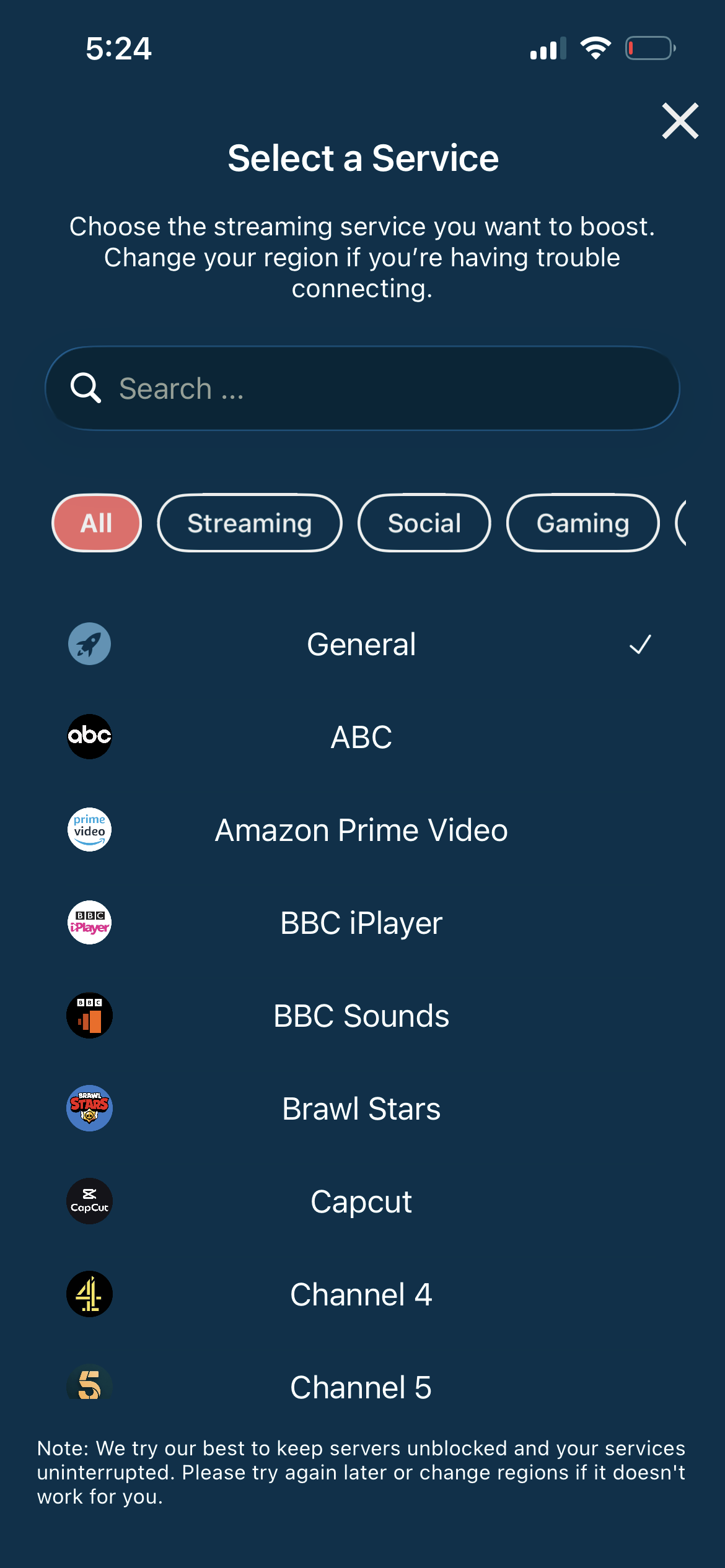
Connect to the nearest server
For the lowest ping, connect to the server closest to your location or closest to the Roblox game server you want to play on.
- Auto-selects fastest server
- Lowest ping possible
- DDoS protection
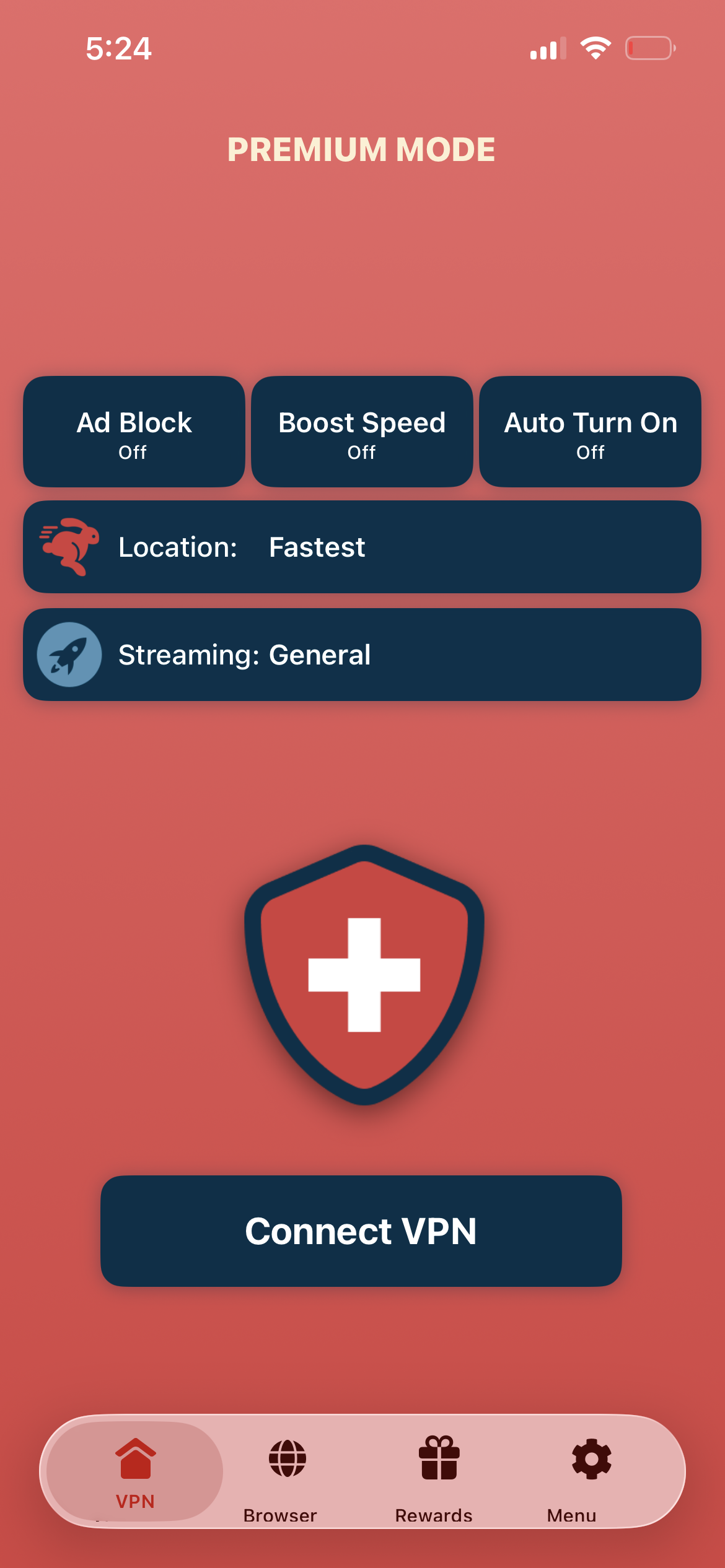
Tap connect, launch Roblox
Tap "Connect VPN" and launch Roblox — network blocks are bypassed, your IP is hidden, and you are ready to play.
- Instant Roblox access
- IP address hidden
- Play without blocks
If Roblox has high ping
Try connecting to a server closer to the Roblox game server location. US East servers often provide the best experience for most Roblox games.
Good to know
- Some games use GPS or additional location checks alongside IP verification.
- In-app purchases and account regions are tied to your app store country.
- For the lowest ping, always connect to the server nearest your game server.
Frequently Asked Questions
Why use a VPN for Roblox?
VPN bypasses school/work network blocks, provides DDoS protection, and can reduce lag through optimized routing.
My school blocks Roblox — will VPN work?
Yes. Swiss VPN encrypts your traffic and routes it through external servers, bypassing network-level blocks.
Will a VPN add lag to Roblox?
Not if you choose the right server. Connect to a server near your location or near the Roblox game server.
Which server should I use?
Connect to the nearest server for the lowest ping. US servers work best for most Roblox games.
Ready to play Roblox?
Download Swiss VPN and play Roblox from anywhere — with DDoS protection and no network blocks.