To access Discord with a VPN:
- Download Swiss VPN free from the App Store — no account needed.
- Open the app and search for Discord in the service selector.
- Tap connect — Swiss VPN picks the fastest optimized server.
- Open Discord and start browsing.
What is Discord?
Discord is a communication platform built for gamers and communities, with 150+ million monthly active users. It offers voice, video, and text chat across servers and direct messages. Discord is blocked in some countries and on many school and corporate networks.
Why use Swiss VPN for Discord?
Discord is blocked in some countries and on many school/work networks. Plus, gamers face DDoS attacks targeting their IP. Swiss VPN solves both problems.
Access where blocked
Connect to a server where Discord is available and chat freely.
DDoS protection
Your real IP is hidden, so attackers cannot target you with DDoS attacks.
Low latency voice
Optimized servers keep voice chat quality high with minimal latency.
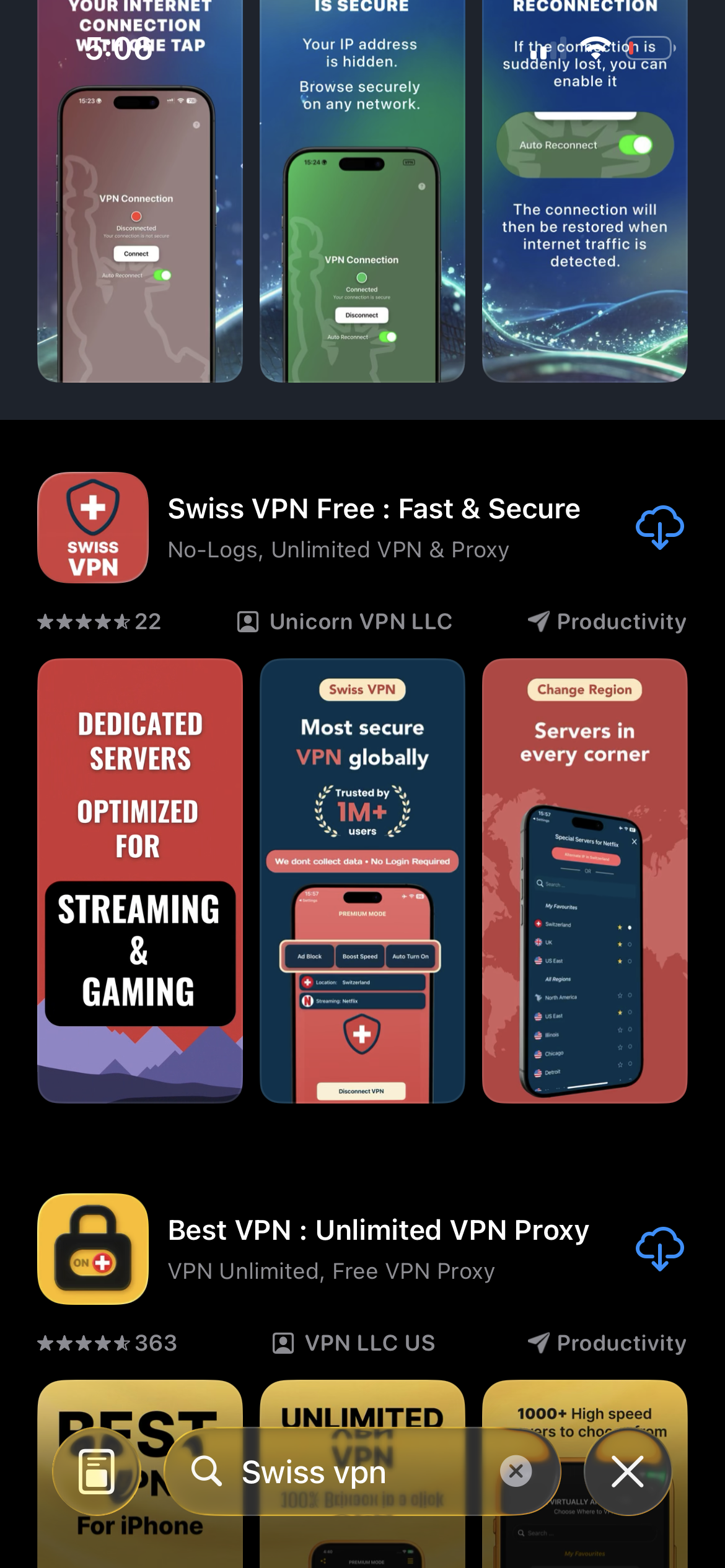
Download Swiss VPN
Search for "Swiss VPN" on the App Store and tap download. The app is completely free — no registration, no credit card, no personal information required.
- Available on iOS, iPadOS & macOS
- No registration required
- 100% free to download
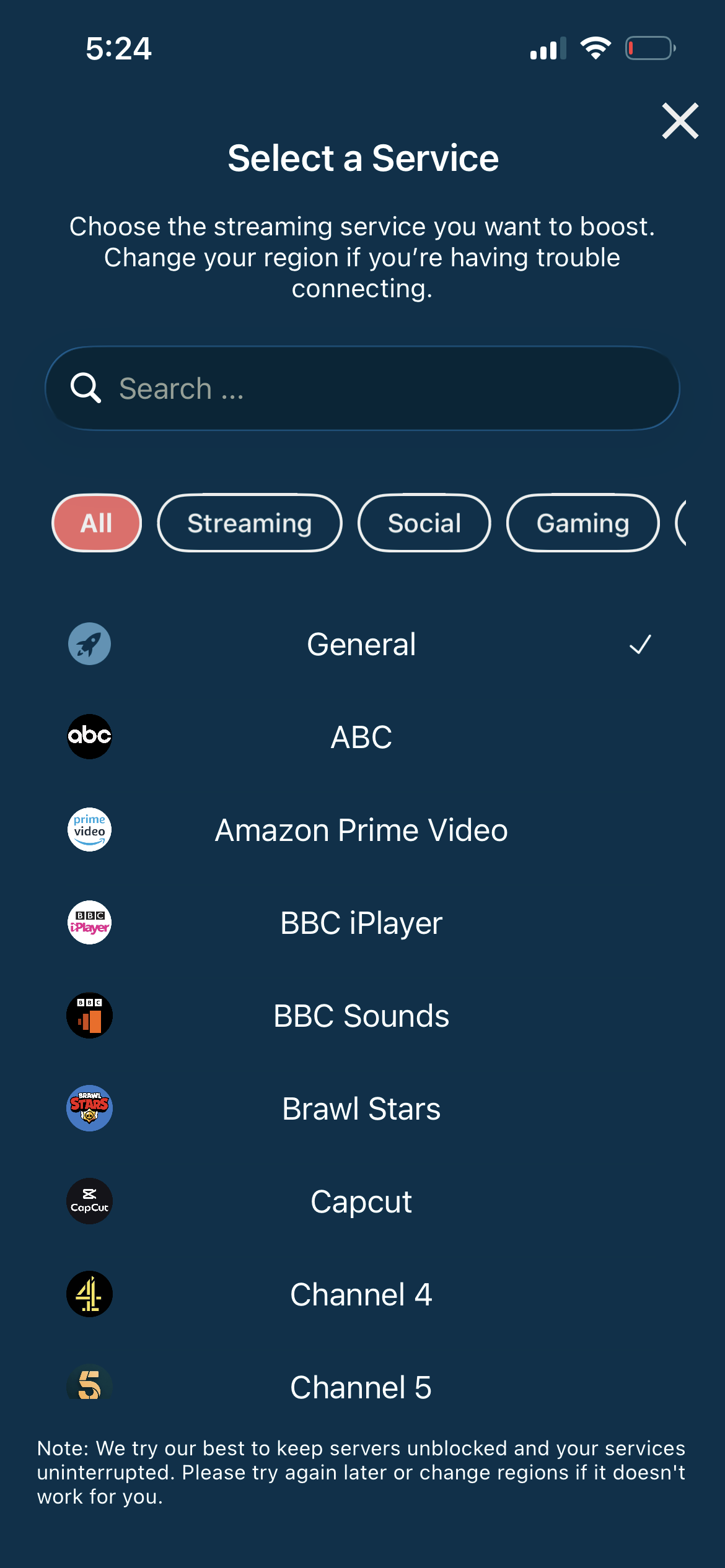
Connect to the nearest server
For the best voice chat quality, connect to the server closest to your location. Any server will unblock Discord and hide your IP.
- Auto-selects fastest server
- DDoS protection enabled
- Low latency for voice
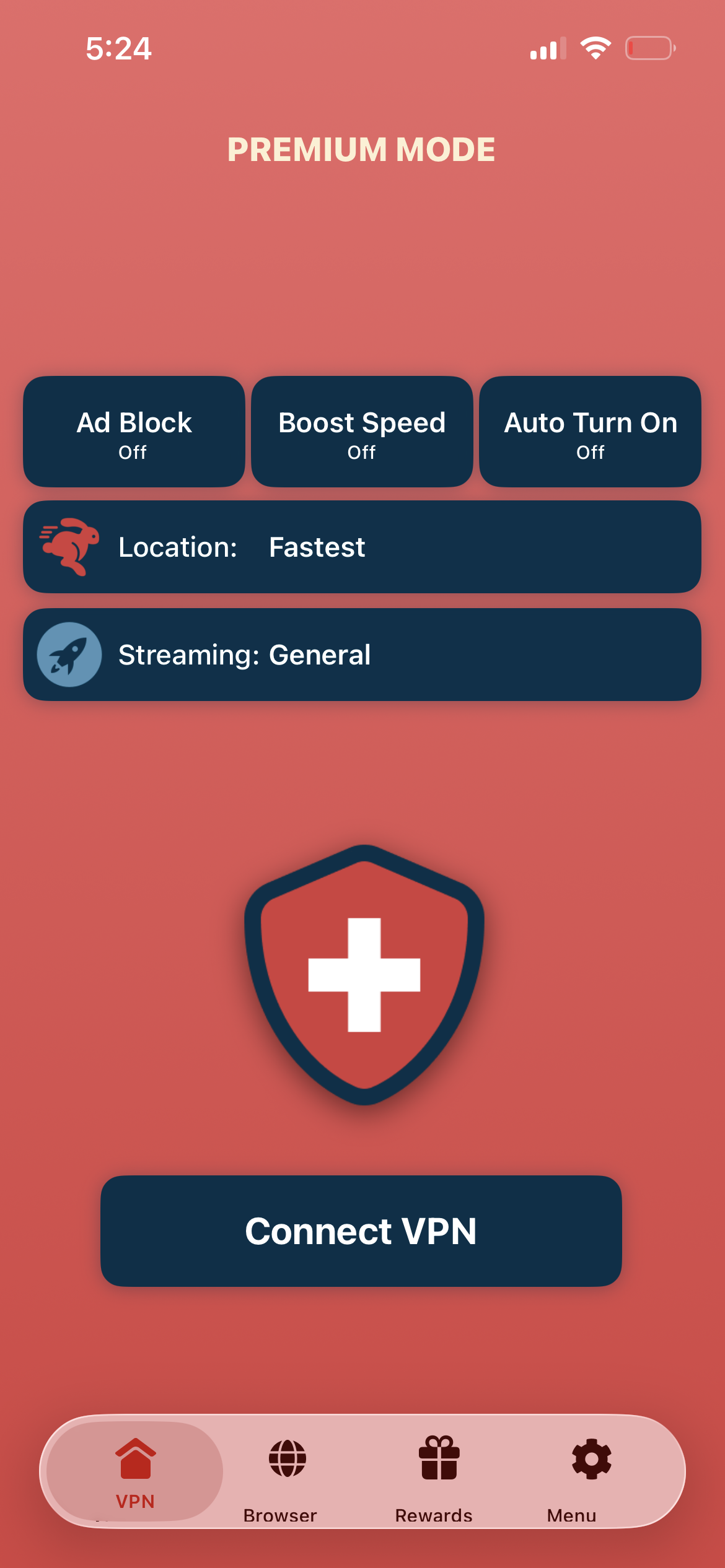
Tap connect, open Discord
Tap "Connect VPN" and wait for the connection. Then open Discord — voice, video, and text all work with your IP hidden.
- Instant Discord access
- IP address hidden
- DDoS-proof connection
If Discord won't connect
Try a different server region. If Discord is blocked by your network, try connecting to a server in a different country. Restart the Discord app after connecting.
Good to know
- VPN access depends on the platform's current policies and may change over time.
- Some features may require an account or paid subscription to the service.
- For the best speed, connect to the nearest available server.
Frequently Asked Questions
Why use a VPN for Discord?
VPN provides access where Discord is blocked, hides your IP from DDoS attacks, and encrypts your communication.
Is Discord blocked at my school?
Many schools block Discord. Swiss VPN encrypts and routes your traffic through external servers, bypassing these blocks.
Will a VPN add latency to voice chat?
Minimal. Swiss VPN servers are optimized for low-latency connections.
Does VPN protect against DDoS?
Yes. Your real IP is hidden behind the VPN server, so attackers cannot target you directly.
Ready to use Discord securely?
Download Swiss VPN and access Discord from anywhere — with DDoS protection and full privacy.